

What kcap is
kcap stores the sessions your coding agents run, so that you, your teammates and the agents themselves can read them later. Each stored session feeds the next one: the decisions it made, the plan it left unfinished, the lesson an evaluation drew from it
The three things it does
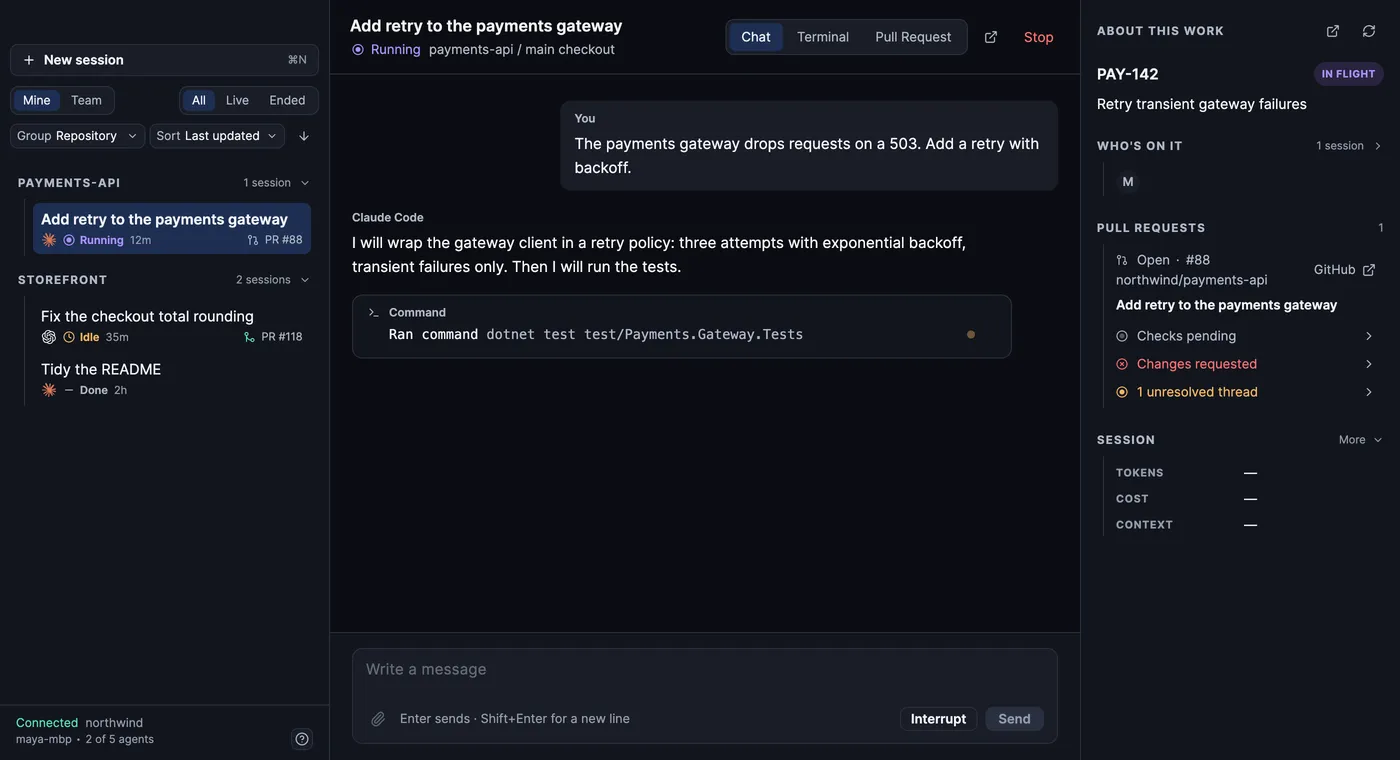
Section titled “The three things it does”Stores the work. A small hook in each coding agent sends the session to your workspace as it happens: your prompts, the agent’s replies, every tool call and its result, the commits it made. You can watch a session live and read it afterwards in the web app’s Sessions, in the desktop app’s rail, with kcap recap <id> in a terminal, or by asking your agent. On a cloud workspace you can also share a session with a teammate from its Share control in the web app; on the local edition every session is yours alone
Hands the work back to agents. Your agent gets tools to search past sessions, resume an unfinished plan, see who else is working in the repository, file its session on a ticket, and save something the team should remember. The next session starts with what the last one learned
Lets you run agents from anywhere. A daemon on any machine you own turns it into a place to run agents: from Agents → New agent in the web app, from the desktop app’s launcher, with kcap agent start <vendor> on the machine itself, or, where the workspace allows it, by asking your agent to start one on the machine it runs on. On the local edition that machine is your own Mac. A second agent can review your work before you merge, started by asking your agent or from Review this PR on a session in the web app, and a flow can run several agents against one task until they agree it is done
How you use it
Section titled “How you use it”There are four separate ways in. They all talk to the same workspace, so use one or all of them
| Way in | What it is |
| --- | --- |
| Your coding agent | Where most of kcap happens. You ask in plain language; the agent uses kcap’s tools to answer. Nothing to open |
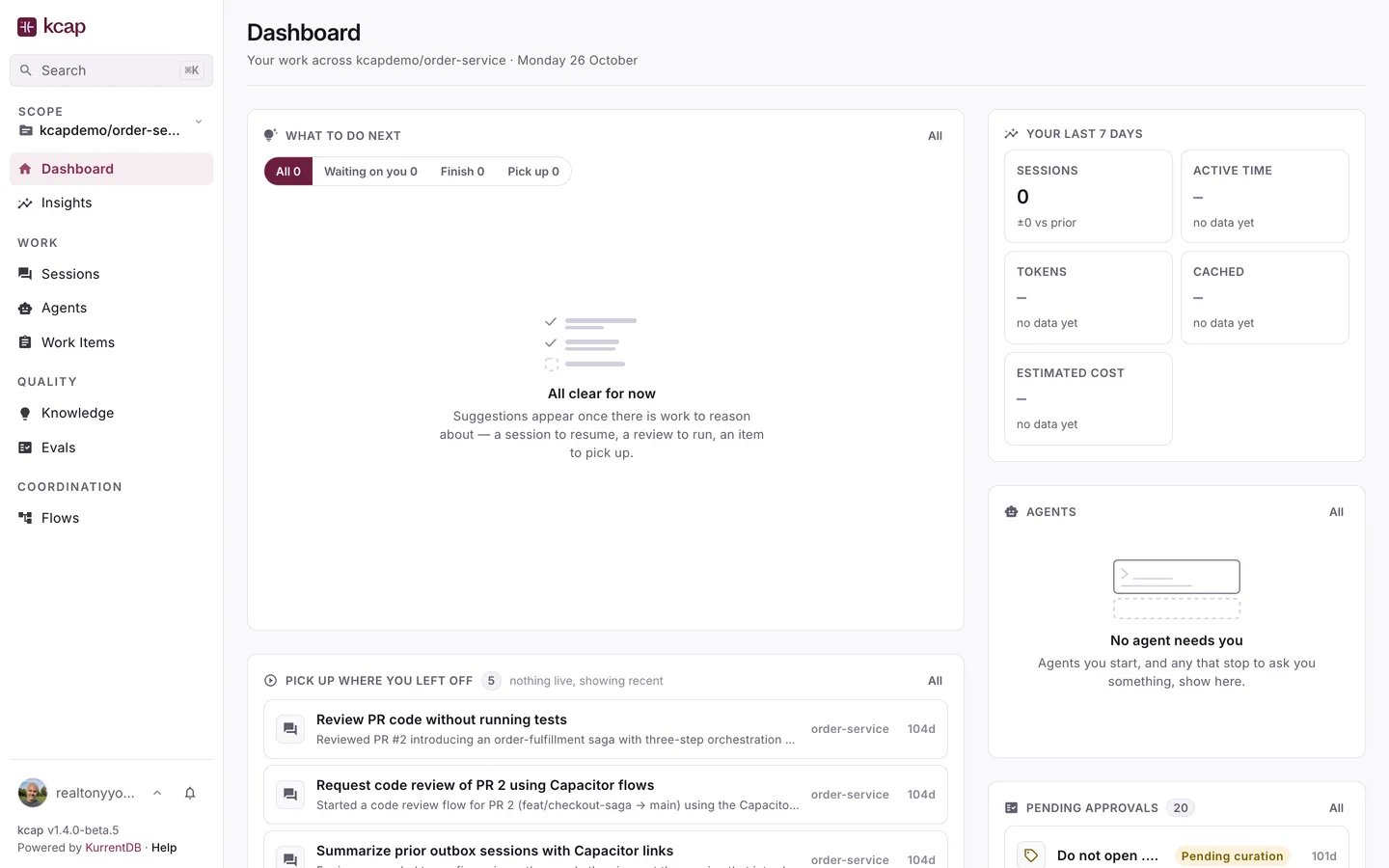
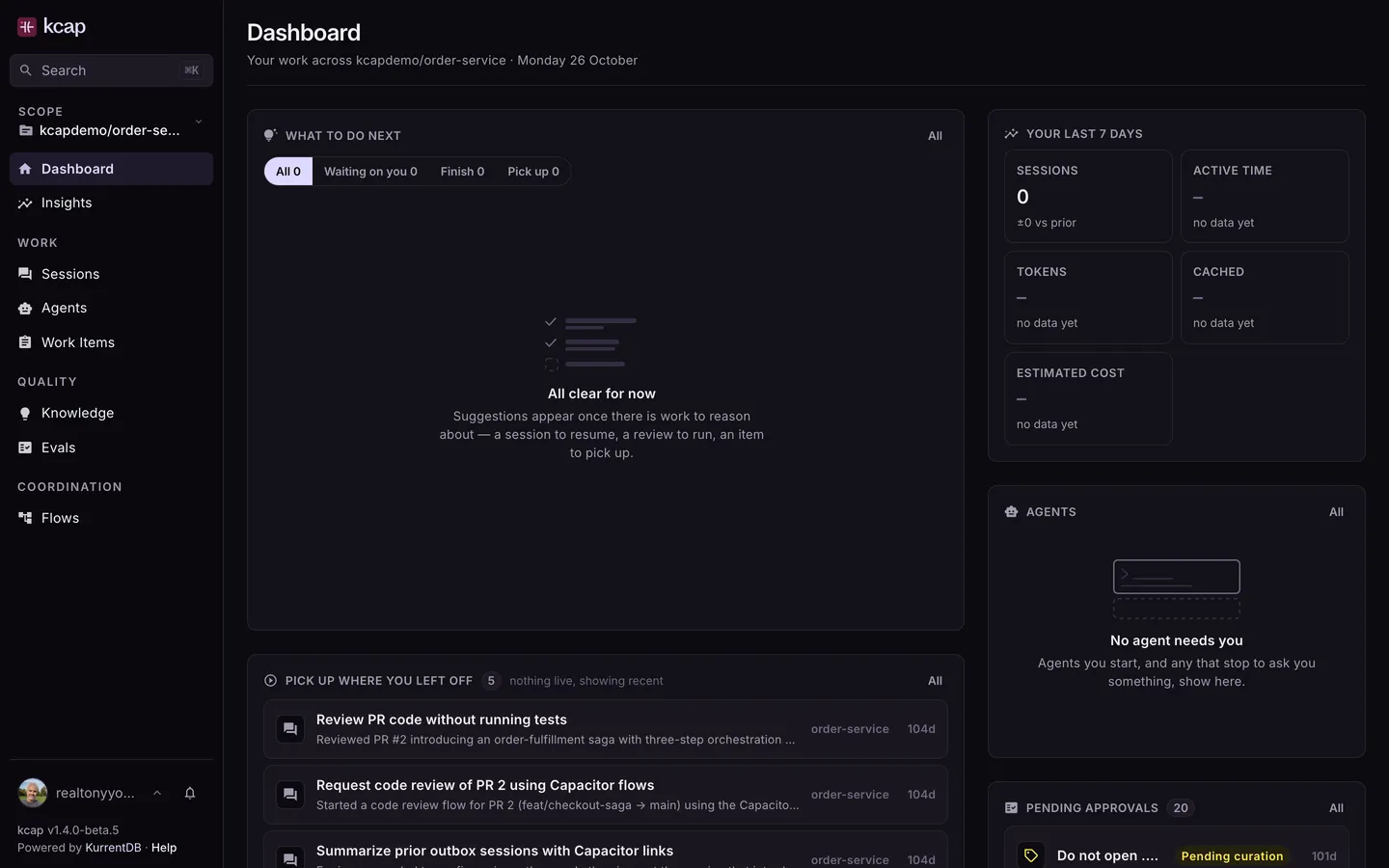
| The web app | https://<your-workspace>.kcap.ai in a browser: sessions, agents, work items, knowledge, evaluations, insights |
| The desktop app | A Mac app for setting up, running hosted agents and following sessions and pull requests without a browser |
| The kcap command | A terminal utility: setup, status, recaps, imports, and everything a script or a CI runner needs |
How sessions are organised
Section titled “How sessions are organised”A session started inside a git repository is filed under that repository, found from the directory’s git remote; one started outside a repository is stored without one and shows under All Repositories. Repositories are how the web app groups sessions, how your agent searches them, and how sharing defaults and exclusions are expressed. On Team and Enterprise plans, a project groups several repositories that belong to one effort, with its own members, so a session can be shared with “everyone on this project” and knowledge, evaluations and insights can be read across the group
Supported coding agents
Section titled “Supported coding agents”Claude Code, Codex, Cursor, Gemini CLI, Copilot CLI, Kiro, OpenCode, Pi, Antigravity, Muse Code, Grok Build and Mistral Vibe. Every one is stored and importable; most can also run as hosted agents. The per-agent details are in Your coding agents
Further reading
Section titled “Further reading”- Install kcap if you are setting up your own machine
- Join a kcap workspace if a teammate invited you
- What you can do if you want to see it work before reading anything else